
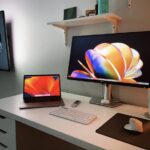

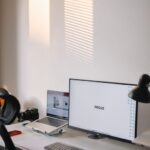
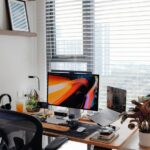


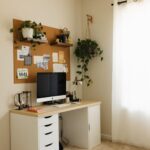


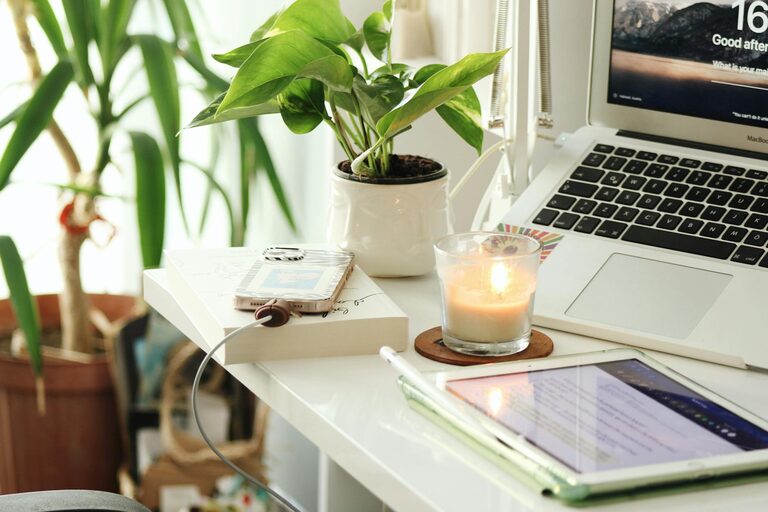
Creating a productive home office space is essential for anyone working remotely or managing tasks from home. A well-designed workspace can improve focus, reduce distractions, and increase comfort, helping you maintain a healthy work-life balance. Whether you have a dedicated room or just a small corner, these tips will guide you in setting up an efficient and pleasant home office.
Choose the Right Location
Your home office location plays a big role in how productive you can be.
– Quiet and private: Pick a space away from noisy areas like the kitchen or living room to minimize distractions.
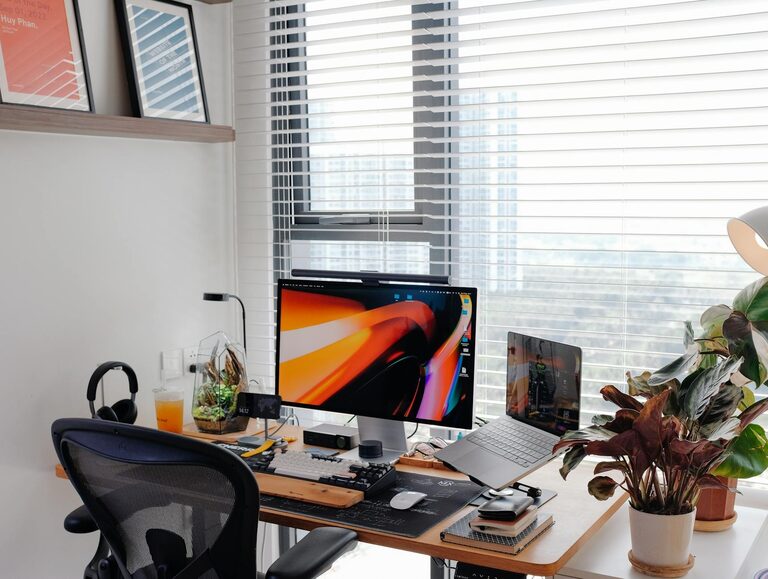
– Natural light: Position your desk near a window if possible. Natural light boosts mood and reduces eye strain.
– Good ventilation: Fresh air helps you stay alert and comfortable throughout the day.
If you don’t have a separate room, try using room dividers or noise-canceling headphones to create boundaries.
Invest in Ergonomic Furniture
Comfort matters when spending long hours at your desk.
– Ergonomic chair: Look for adjustable chairs with good lumbar support to protect your back.
– Desk: Choose a desk at the right height so your arms can rest comfortably when typing.
– Keyboard and mouse: Ergonomic keyboards and mice reduce strain on your wrists.
Consider a sit-stand desk to alternate between sitting and standing, which can improve circulation and reduce fatigue.
Keep Your Space Organized
Clutter can kill productivity. Staying organized helps you focus better.
– Storage solutions: Use shelves, drawers, or filing cabinets to keep things tidy.
– Desk essentials: Keep only frequently used items on your desk to avoid distractions.
– Cable management: Use clips or cable organizers to keep wires neat and out of the way.
Regularly declutter your workspace to maintain a sense of order.
Optimize Lighting
Good lighting reduces eye strain and keeps you alert.
– Task lighting: Use a desk lamp for focused work, especially in the evenings.
– Avoid glare: Position screens to avoid reflections from windows or lights.
– Adjustable lighting: Consider lamps with adjustable brightness to suit different times of day.
Set Up Technology Efficiently
Having the right tools can streamline your work.
– Reliable internet: Ensure your connection is fast and stable to avoid interruptions.
– High-quality equipment: Invest in a good monitor, keyboard, and headphones.
– Backup power: Consider a surge protector or UPS to keep devices safe during outages.
Keep software updated and organize digital files for easy access.
Personalize Your Space
Add personal touches that motivate and inspire you.
– Plants: Indoor plants can improve air quality and add a calming effect.
– Artwork: Hang inspiring images or quotes on the walls.
– Colors: Choose soothing colors like blues or greens, which are known to enhance concentration.
Avoid overcrowding; keep personalization subtle so it doesn’t distract from work.
Establish Boundaries and Routine
Creating clear routines and boundaries helps separate work from home life.
– Work hours: Set consistent start and finish times.
– Break time: Take regular breaks to stretch and rest your eyes.
– Signage: Use a “Do Not Disturb” sign if you share your home with others during work hours.
Maintain Good Posture and Movement
Your body’s health affects productivity.
– Sit properly: Keep your feet flat on the floor, back straight, and wrists neutral.
– Take breaks: Stand, stretch, or walk around every hour to reduce stiffness.
– Exercise: Incorporate light exercise into your day to boost energy levels.
—
By thoughtfully setting up your home office space, you can create an environment that supports your focus, comfort, and overall productivity. Experiment with these tips to find what works best for you, and remember that a functional, pleasant workspace contributes significantly to successful work-from-home days.