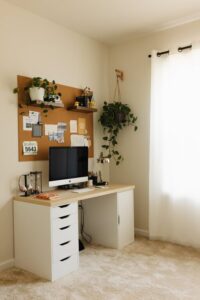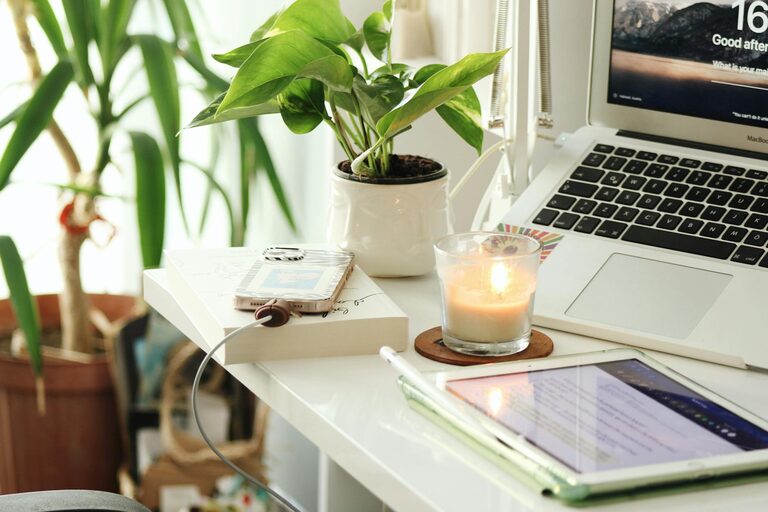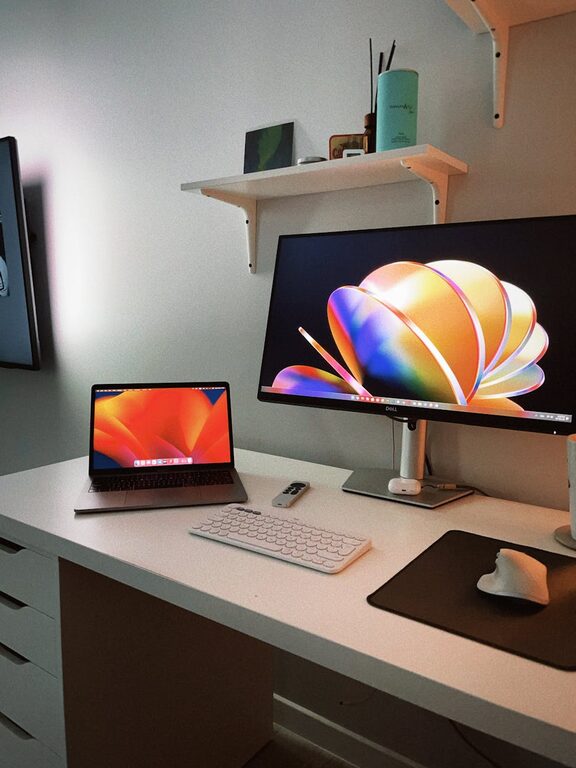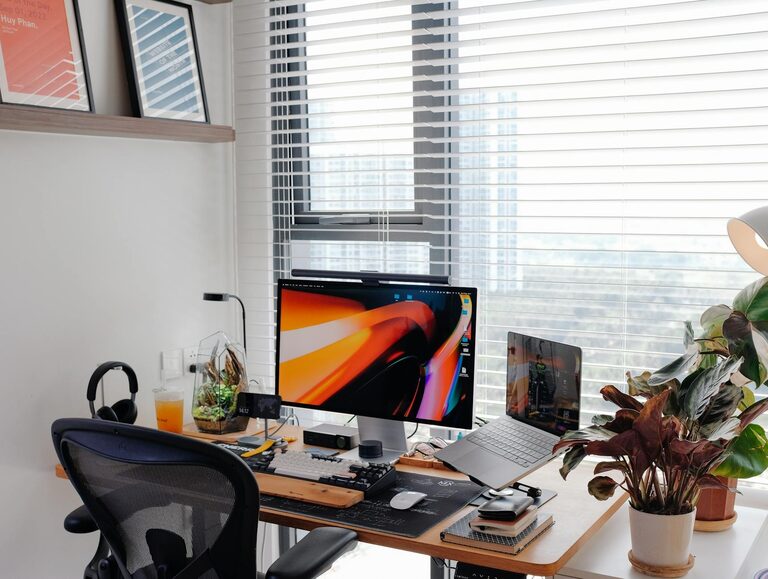








Creating a relaxing home workspace is essential for maintaining focus and productivity, especially as more people work remotely. A well-designed area that balances comfort and functionality can help reduce stress and keep you motivated throughout the day. In this post, we’ll explore practical tips to help you create a workspace that feels peaceful and promotes efficiency.
Why a Relaxing Workspace Matters
Your workspace significantly affects your mood and ability to concentrate. When your environment is cluttered, noisy, or uncomfortable, it can increase anxiety and make it difficult to stay productive. On the other hand, a calm and organized setting supports mental clarity and helps you maintain a positive attitude toward your tasks.
Choose the Right Location
Find a Quiet Spot
Pick a location in your home that offers privacy and minimal distractions. Ideally, this spot should have a door or be away from high-traffic areas to reduce interruptions during work hours.
Consider Natural Light
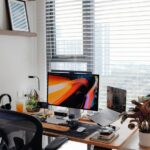
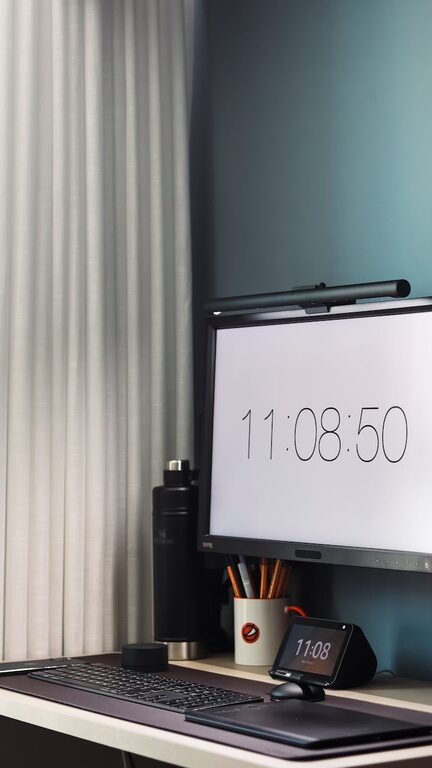
Natural light can improve your mood and energy levels. Position your desk near a window if possible, but avoid direct glare on your computer screen. If natural light is limited, invest in a good quality daylight desk lamp to brighten your space.
Invest in Comfortable Furniture
Ergonomic Chair
An ergonomically designed chair supports your back and promotes good posture. This helps prevent discomfort and fatigue during long working sessions.
Suitable Desk
Choose a desk that fits your space and provides enough surface area for your computer, notebooks, and other essentials. Adjustable-height desks are a bonus, allowing you to switch between sitting and standing.
Declutter and Organize
Keep Only Essentials
Remove unnecessary items from your workspace. A clutter-free desk helps your mind stay clear and reduces distractions.
Storage Solutions
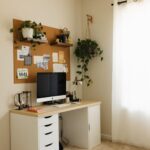
Use shelves, drawers, or organizers to keep supplies neatly stored but within reach. Labeling storage containers can make it easier to find things quickly.
Personalize Your Space Thoughtfully
Add elements that make your workspace inviting without causing distractions.
– Plants: Small indoor plants can purify the air and add a touch of nature.
– Art or Photos: Display calming images or artwork that inspire you.
– Colors: Choose soothing colors like soft blues, greens, or neutrals for decor and accessories.
Manage Noise Levels
Use Noise-Cancelling Headphones
If you can’t control ambient noise, headphones can help block distractions and improve concentration.
Play Background Music
Listening to gentle instrumental music or nature sounds can create a peaceful work atmosphere.
Pay Attention to Lighting
Avoid Harsh Overhead Lights
Bright, flickering lights can cause eye strain and headaches. Use adjustable lamps to direct light where you need it.
Balance Screen Brightness
Ensure your computer screen brightness is comfortable relative to the room lighting to reduce eye fatigue.
Incorporate Break Areas
Designate a small spot away from your desk for short breaks. This might include a cozy chair for stretching or reading. Taking regular breaks improves focus and helps prevent burnout.
Maintain Good Air Quality
Open windows for fresh air when possible. Using a small air purifier can also enhance air quality, especially in closed rooms.
Establish a Routine
Create a daily routine that signals the beginning and end of your workday. This separation helps maintain work-life balance and keeps your workspace associated with productivity.
Final Thoughts
Designing a relaxing home workspace is about balancing comfort, organization, and personalization. By implementing these tips, you can create an environment that supports your productivity while promoting a sense of calm. Remember, the goal is to make your workspace a place where you feel focused and inspired every day.