


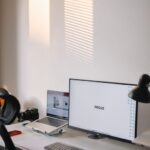



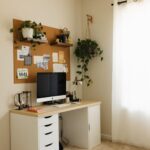



Creating a relaxing home workspace is key to balancing comfort and productivity. Whether you work remotely full-time or occasionally, your environment affects how focused and motivated you feel. In this article, we’ll explore effective tips to design a workspace that promotes relaxation while supporting your work goals.
Why a Relaxing Workspace Matters
A cluttered or uncomfortable workspace can increase stress and reduce efficiency. Conversely, a calm and inviting environment encourages concentration, creativity, and energy. The goal is to build a space that feels welcoming but remains dedicated to work tasks.
Choose the Right Location
Start by selecting a suitable spot in your home. Ideally, the area should be:
– Quiet and free from distractions: Look for a corner or spare room away from high-traffic zones.
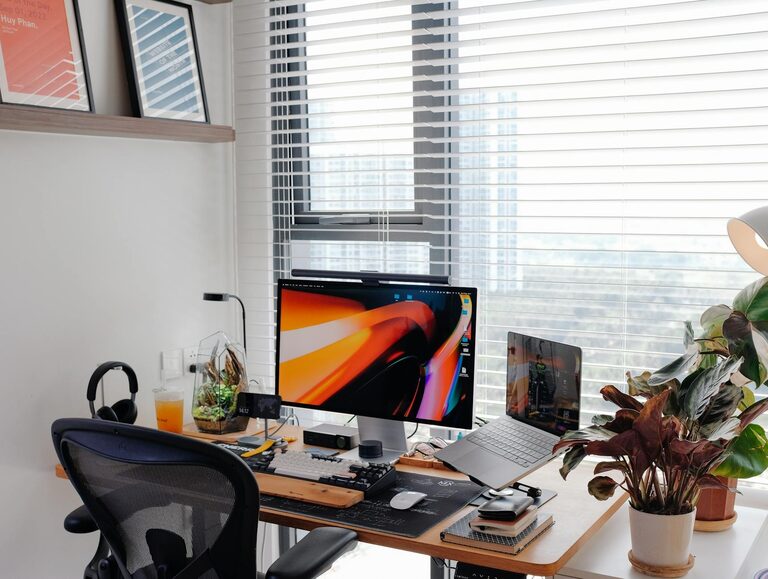
– Well-lit: Natural light is best, so a spot near a window is ideal. If natural lighting isn’t possible, invest in adjustable, warm-toned desk lamps.
– Ventilated: Fresh air can refresh your mind, so an area with a window you can open or a fan is beneficial.
Invest in Comfortable Furniture
The comfort of your seating and desk setup plays a major role in productivity and physical well-being.
– Ergonomic chair: Choose a chair with lumbar support, adjustable height, and a swivel feature to maintain proper posture.
– Desk height: Ensure your desk allows your forearms to rest parallel to the floor when typing.
– Footrest: If your feet don’t touch the ground comfortably, use a small footrest to avoid strain.
Keep the Space Organized
A neat workspace reduces mental clutter. Here are some organization tips:
– Declutter regularly: Remove unnecessary items that don’t contribute to your work.
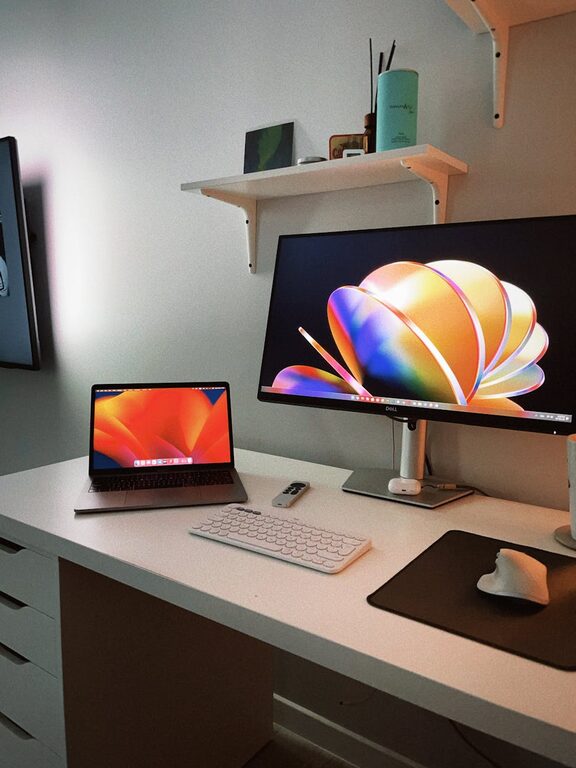
– Use storage solutions: Shelves, file organizers, baskets, or drawers keep supplies and documents tidy.
– Cable management: Use clips or sleeves to keep electrical cables and chargers out of the way.
Personalize with Calming Elements
Adding personal touches can make your workspace feel more relaxing.
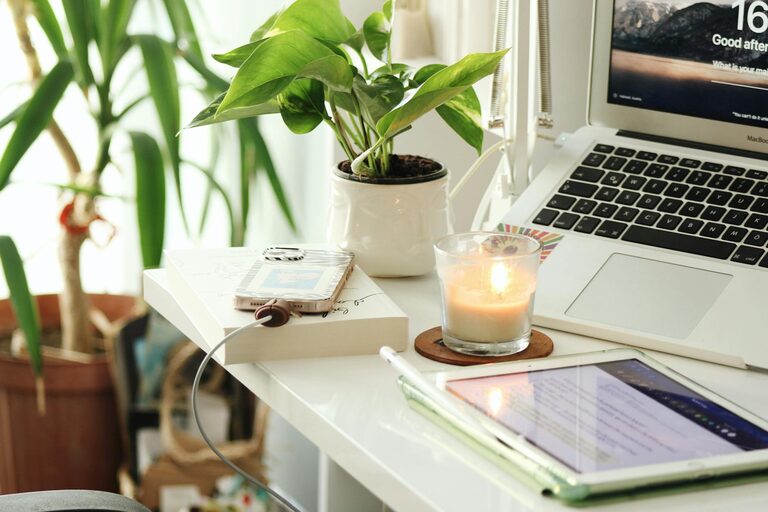
– Plants: Indoor greenery improves air quality and adds a soothing natural element.
– Artwork or photos: Choose images that inspire or relax you without overwhelming the space.
– Aromatherapy: Consider using essential oil diffusers with calming scents like lavender or eucalyptus.
Set Up Technology Wisely
Your technology setup should streamline your work, not complicate it.
– Ergonomic keyboard and mouse: Prevent fatigue with devices designed for comfort and ease of use.
– Monitor placement: Position your monitor at eye level about an arm’s length away to reduce neck and eye strain.
– Good internet connection: Stable Wi-Fi helps avoid frustration during video calls or online work.
Manage Noise Levels
Noise can be a major distraction, so consider these solutions:
– Noise-canceling headphones: Great for blocking out background sounds.
– Soft background music: Instrumental or nature sounds can improve focus for some people.
– Soundproofing materials: Rugs, curtains, or acoustic panels help absorb noise.
Incorporate Break and Movement Zones
A relaxing workspace supports not only focused work but also breaks for stretching and movement.
– Standing area or adjustable desk: Switch between sitting and standing to reduce fatigue.
– Stretching space: Create a small clear area for quick stretches or light exercise.
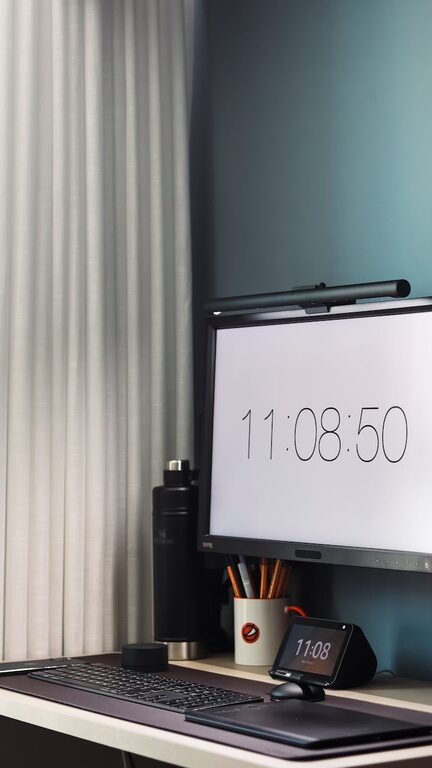
– Break timer: Use apps or timers to remind you to take short breaks regularly.
Keep Your Workspace Clean
Regular cleaning is important for hygiene and mental clarity.
– Daily tidying: Spend a few minutes before or after work to clear the desk.
– Weekly deep clean: Dust surfaces, clean electronics, and vacuum the area.
Maintain Healthy Lighting
Lighting impacts mood and energy levels throughout your day.
– Natural light exposure: Try to work near windows if possible.
– Adjustable artificial lighting: Use desk lamps with dimming options to match different times of day.
– Avoid glare: Position screens and lights to prevent reflection and eye strain.
Final Thoughts
Creating a relaxing home workspace takes some effort, but the benefits to your focus, comfort, and overall well-being are worth it. Keep experimenting to find what works best for you, and remember that small changes can make a big difference. The more your workspace supports your needs, the more productive and comfortable your workdays will become.
By thoughtfully designing your home workspace with these tips, you can cultivate a peaceful yet efficient environment that helps you do your best work every day.